
Laptop Cooling Pads

2024 14 16 inch Laptop Sleeve Pillow Puffy Notebook Storage Bag Quilted Puffer Large Capacity Carrying Case Office

with Cooling Fan Ergonomic Notebook Foldable Cooler Adjustable Aluminum Laptop Stand

Original Used For ASUS TUF RTX5090 GAMING Graphics Card HeatSink Cooling Fan Parts Or A Bad PCB Board

PLD10010S12HH Cooling For MSI RTX 3060 Ti GAMING X RX 6700 6600 XT Video Graphics Card Cooler Fan

Metal IPad Tablet Stand, Laptop Cooling Elevated Holder, Carbon Steel Support Rack For Phones & Tablets

New CPU GPU Cooling For Acer Aspire V 17 Nitro VN7-791 VN7-791G Laptop Cooler Fan

For HP DL380P DL380 G10 Gen10 CPU Heatsink Fans Kit 87507 839274-001 873592-001 Cooling Fan 875075-001 867118

New For HP Spectre X360 13-AE 13T-AE CPU GPU Cooling Fan L04885-001 L04886-001
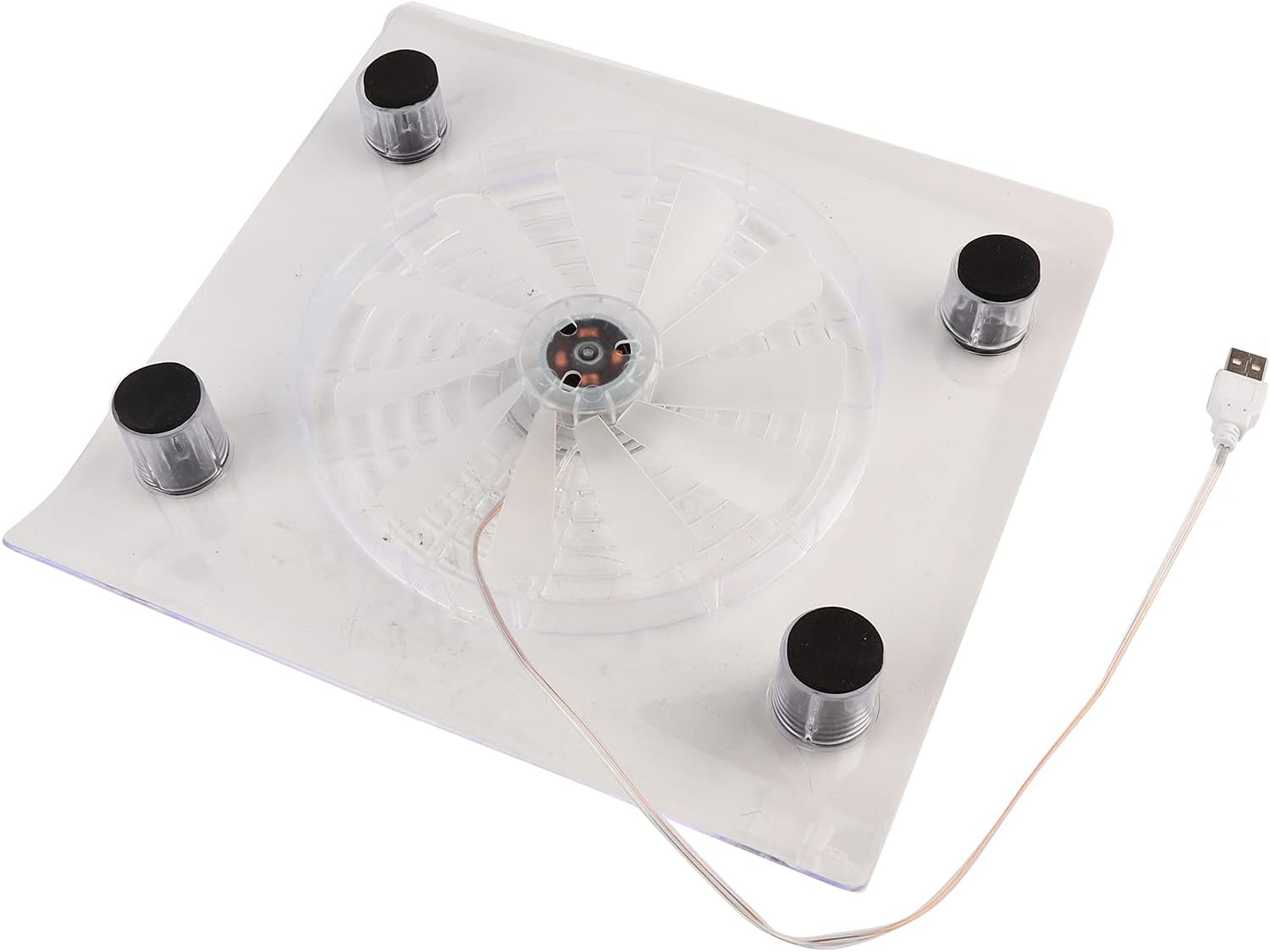
USB Notebook Cooler Cooling Pad Fans With LED RGB Lights For PS4 PS3 Laptop USB Powered Fans

12V CPU GPU Cooling Fan For HP OMEN 15-EK TPN-Q236 Fans Cooler Radiator M04216-001 ND8CC02-19j22 19j23 M04215-001

V10 RGB Laptop Cooler Stand With 4.72-Inch Powerful External Turbo Cooling Fan, Quickly Cools 13-17.3-Inch PCs, 4-Port

Xinweiqing USB Foldable Folding Dual Fan Cooling Cooler Cool Pad for Laptop Notebook

17inch Gaming Cooler Fan Led Screen Two USB Port 2600RPM Cooling Pad Notebook Stand For Laptop Fan Cooler

MEMO CX05 Magnetic Back-clip Cooling Fan Radiator 30W High-power 3 Speeds Adjustment PUBG Game Cooler For IPad Tablet
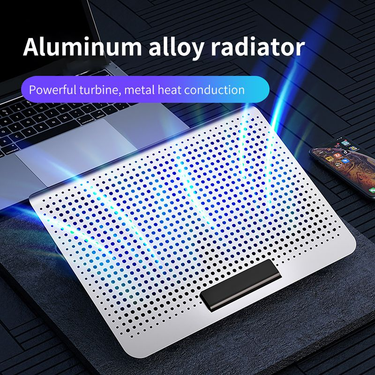
Xinweiqing Laptop Cooler Dual USB Adjustable Portable Low Noise Notebook Cooling Pad for Gaming

D17 Gaming Cooling Pad For 15-21'' Noebook Cooler Sand W/ RGB Ligh 2 Fans 5 Angle Adjusable LED Screen Lapop

Cross-Border Laptop Cooler Five-Fan Base Multi-Angle Adjustment Adjustable Airflow Gaming

7 Height Adjustable Air-cooled Cool Wind Gaming Laptop Cooler Large Size For 12-17'' Tablet Notebook Cooling Pad 1200

Original 2080TI Video For GIGABYTE AORUS GeForce Ti RTX 2080S UPER、RTX 2080 Graphics Card Cooler

New GPU PLB07525B12HH CF7525U12D DC 12V 2.5A For ASUS RTX 3070 Ti 3080 3090 TURBO Graphics Card Cooling Fan
Laptop Cooling Solutions for Smoother Performance
While your laptop humming like a jet engine, keys feeling hot to the touch, you need to find some cooling solutions. Overheating throttles performance, shortens component life, and turns simple tasks into frustrating waits. Voghion offers laptop cooling pads and stands for quieter and faster using.
Why overheating happens: gaming, rendering, and multitasking explained
Modern laptops pack immense power into thin bodies—but physics hasn’t changed.Intense gaming sessions, video rendering, or 20+ browser tabs push processors hard, generating heat faster than slim vents can expel it. If you need buy new budget gaming laptops, Voghion is a good choice.
Internal fans struggle with thick carpets, blankets, or wooden desks trapping heat underneath. That’s where a gaming laptop cooling pad shines. Its elevated design creates airflow under your machine, working with internal fans instead of against them.
Cooling pad benefits beyond temperature: quieter fans, longer battery life
When temperatures drop, internal fans slow down dramatically. That means less distracting noise during calls or movies.
Better thermals also reduce battery stress. Lithium-ion batteries degrade faster above 30°C (86°F)—a cooler laptop could add months to its lifespan. The gentle hum of a laptop cooling fan is far less intrusive than your machine’s fans at full throttle. You can use laptop cleaners to clean the dust hiding in your laptop.
Ergonomic bonus: how tilt angles reduce wrist strain during long sessions
Typing on a flat laptop forces wrists into awkward angles, causing fatigue. A tilted laptop stand with cooling fan elevates your screen to eye level. This neutral position reduces neck hunching while the angle keeps wrists straight. Just 15 degrees makes emails, coding, or design work noticeably more comfortable over hours.
If you spend long hours sitting in front of a computer, a durable neck massager and a portable massage gun would be the perfect Valentine's Day gift for yourself.
Don’t forget maintenance.
Every few months, gently clean dust from your cooling pad for laptop vents using compressed air. While you’re at it, blow out your laptop’s own vents—less dust means both systems work more efficiently together.
A smart cooling solution pays off daily:
· Fewer performance stutters during important tasks
· Longer hardware lifespan
· More comfortable work sessions