


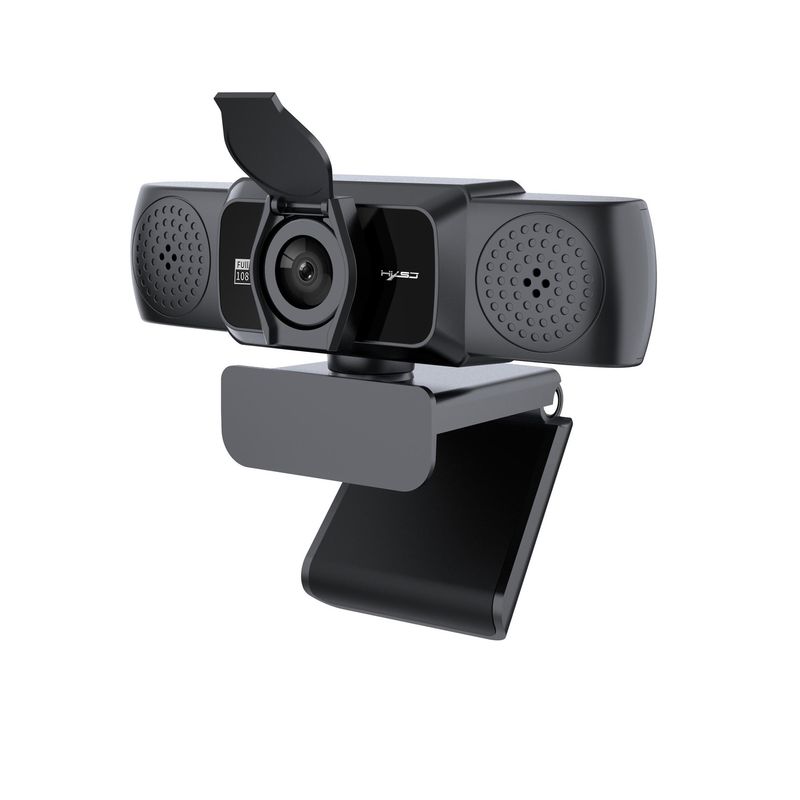

Full View
Lignende varer
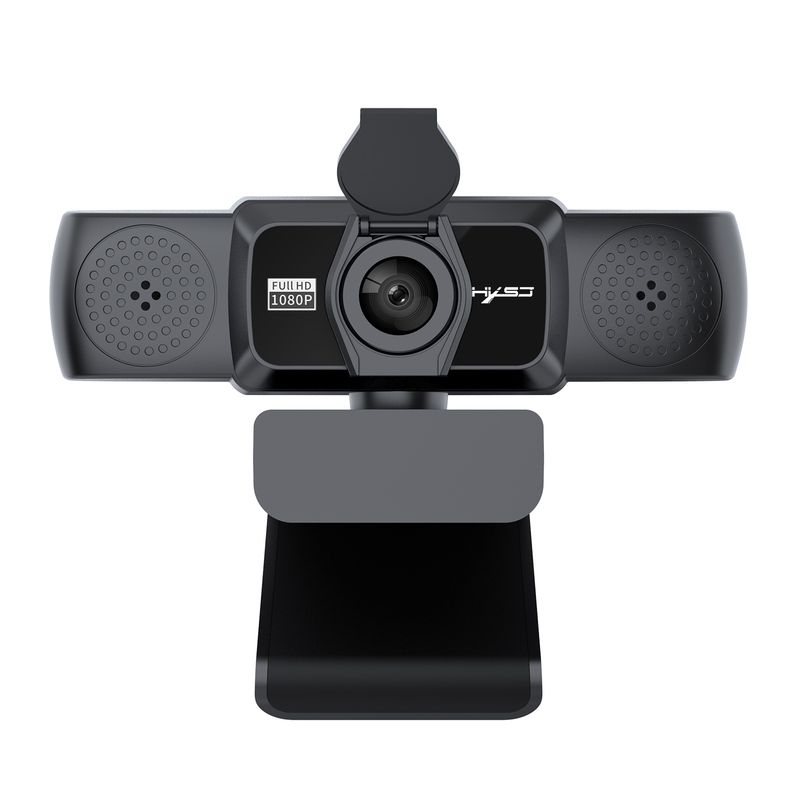
S5 New 1080P HD Computer 360 Degree Rotatable Video Conference Camera Online Class Live Streaming In Stock
NOK614.22NOK1,043.14
Farge : S5-HD 1080P Computer Camera

Mengde :

Rapportere
Inkluder brudd på opphavsrettGratis standard frakt. Se detaljer
Anslått mellom Sat, Jun 13 og Thu, Jun 18
Du kan returnere produktet innen 30 dager etter mottak. Se detaljer
Handle med selvtillit

Pengene tilbake-garanti
Få varen du har bestilt eller pengene tilbake. Lær mer
About this item
Hentet fra Aura Bits
Seller assumes all responsibility for this listing.Artikkelnummer: 36910051
Item specifics
Klar for
PR gifts
Farge
Wed
Lengde
1 5M
Stil
type albue
Antall grenskjøter
enkelt hode
batterikapasitet
På lager
Antall kortplasser
1
Opprinnelsesland
Shenzhen
Betingelse
Ny
Item description from the seller
English materials:
Product Description:
With an S5 Full HD transmission rate of 30 frames per second, this camera ensures excellent image resolution of 1920 x 1080 and smoothness, ideal for online learning. The large screen display and remote conferencing are more practical
The built-in microphone has an automatic noise reduction function that delivers clearer audio even in noisy environments. You can download video software like "AMcap" to test the camera, and you can use it to take photos and videos. If your computer has a built-in camera, disable the built-in camera in the deviceiceManager
3: 1080P HD camera with: 2 Megapixels and true color images
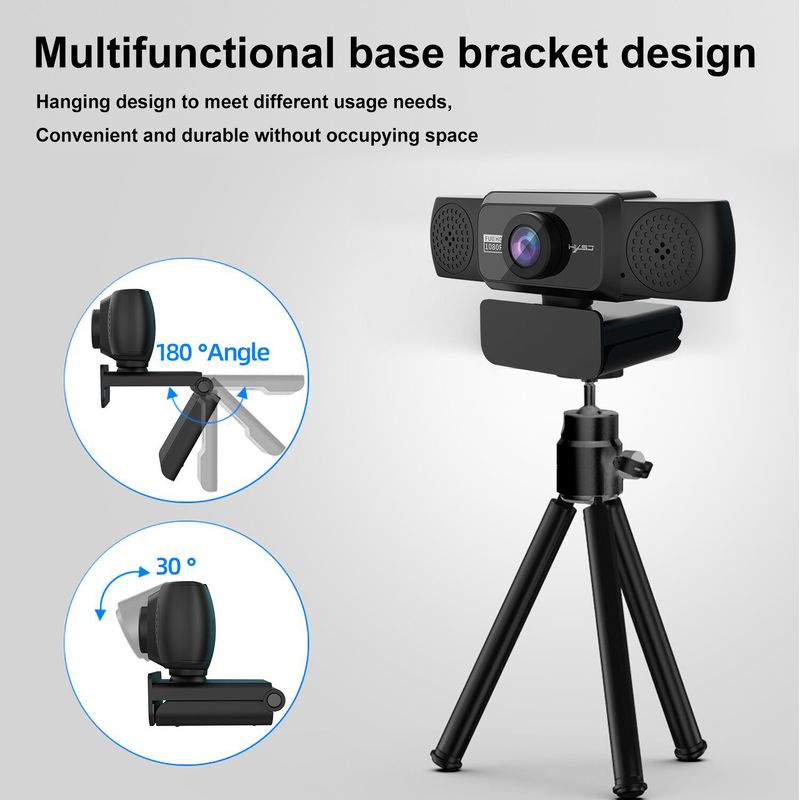
Adjustable 30 degrees up and down, the head rotates 360 degrees
The base can be installed with a triangular bracket, and you can adjust the angle as needed. The imported optical glass lens has high precision and no image distortion
4: Manually rotate the lens ring to adjust the focus freely. Designed for laptops and desktop Android TVs, the largest one is 45mm thick
ck display is available
ilable.Com
compatible with USB 2.0, 3.0
5: Automatic white balance, automatic color correction
Resolution: 1920*1080; 1280*720; 960*720; 800*600, there are many
6:Supports Windows 2000 / XP / win7 / win8 / win10 / Vista 32-bit,
MAC, Android TV supports a variety of video conferencing software, including Net meeting, MSN, Yahoo, and Skype, among other great projects, to enjoy the big screen visual experience
PRODUCT SPECIFICATIONS:
Project color: Black
DSP chip: No driver
Image Sensor: CMOS
Video format: MJPEG, YUY2
Image Sensor: CMOS 1/2.7 Big chip
Lens: High quality six-layer glass lens
Viewing angle: 95 degrees wide angle
Pixel: HD 2 million pixels
Maximum dynamic resolution: 1920*1280
Viewing angle: 95 degrees wide angle
Length: 150cm
Frame rate: 30 fps
Product size: 11.5 * 5 * 5.5cm
Product weight: 125g
Packing size: 17 * 10.3 * 6.2cm
Package weight: 219 g
Package list:
1 * 1080P webcam
1 * English User Manual
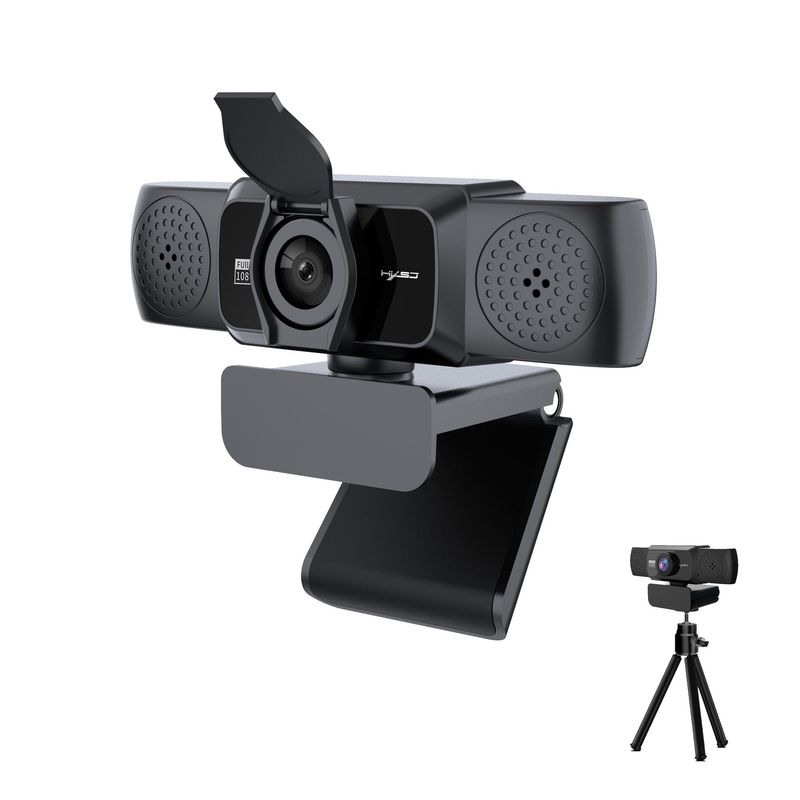
1 * Tripod
1 * Privacy c
over
PLUG AND PLAY:
1.Plug the U
SB into your computer
r laptop
2.If your laptop has a built-in camera, you will need
to change the camera's default settingsFor example, change the
Please disable the default camera in the chat software settings or disable the built-in camera in the computer settings
3.A driver is automatically installed on the computer
4.When the installation is complete, you can directly do a video chat using a chat tool
5:After the camera is connected to the computer, you can use it
the AMcap software to verify that the device is working properly
If the screen can appear, the camera has no problem


Videoer
Videos for this product


 4.4 av 5 basert på 9,249 anmeldelser