





Full View
Lignende varer
A882 6-tasters 2.4G trådløs 1600 dpi kontormus egnet for stasjonære bærbare datamaskiner
NOK425.47NOK507.51
farge : rød


Mengde :
 Customer Service
Rapportere
Inkluder brudd på opphavsrettGratis standard frakt. Se detaljer
Anslått mellom Sun, Jan 4 og Sat, Jan 10
Du kan returnere produktet innen 30 dager etter mottak. Se detaljer
Handle med selvtillit

Pengene tilbake-garanti
Få varen du har bestilt eller pengene tilbake. Lær mer
About this item
Hentet fra TTnumeral
Seller assumes all responsibility for this listing.Artikkelnummer: 19659832
Item specifics
Funksjoner
Speil, matt, hudlignende
Funksjoner
Speil, matt, hudlignende
Funksjoner
Speil, matt, hudlignende
Akser
Rød akse, grønn akse, svart akse
Akser
Rød akse, grønn akse, svart akse
Akser
Rød akse, grønn akse, svart akse
Numerisk tastatur
Ja Nei
Numerisk tastatur
Ja Nei
Tilkobling
Trådløst, kablet, Bluetooth
Tilkobling
Trådløst, kablet, Bluetooth
Tilkobling
Trådløst, kablet, Bluetooth
Størrelse
<100 mm, 100 mm-120 mm, 121 mm-130 mm
Størrelse
<100 mm, 100 mm-120 mm, 121 mm-130 mm
Størrelse
<100 mm, 100 mm-120 mm, 121 mm-130 mm
Item description from the seller
Basic information:
Mini adapter plug and play
Wireless transmission, long sensing distance up to 10-15 meters
Portable and light weight, very convenient to carry and store
Power switch to save power
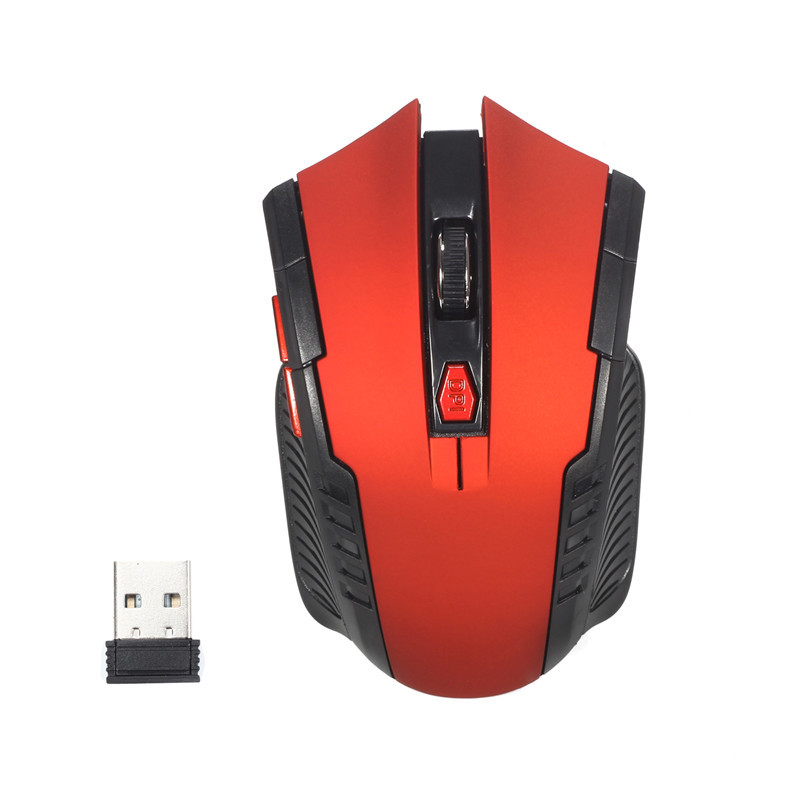
There are 6 keys, including scroll wheel, page forward and page back buttons, which are considered for surfing the Internet
Operating distance up to 10 meters
Product specification:
IC model: MX8650
Rate of return: 250 Hz
Movement speed: 28 IPS
Refresh rate: 3000 FPS
Acceleration: 10 G
Resolution: 800DPI, 1200DPI, 1600DPI (adjustable)
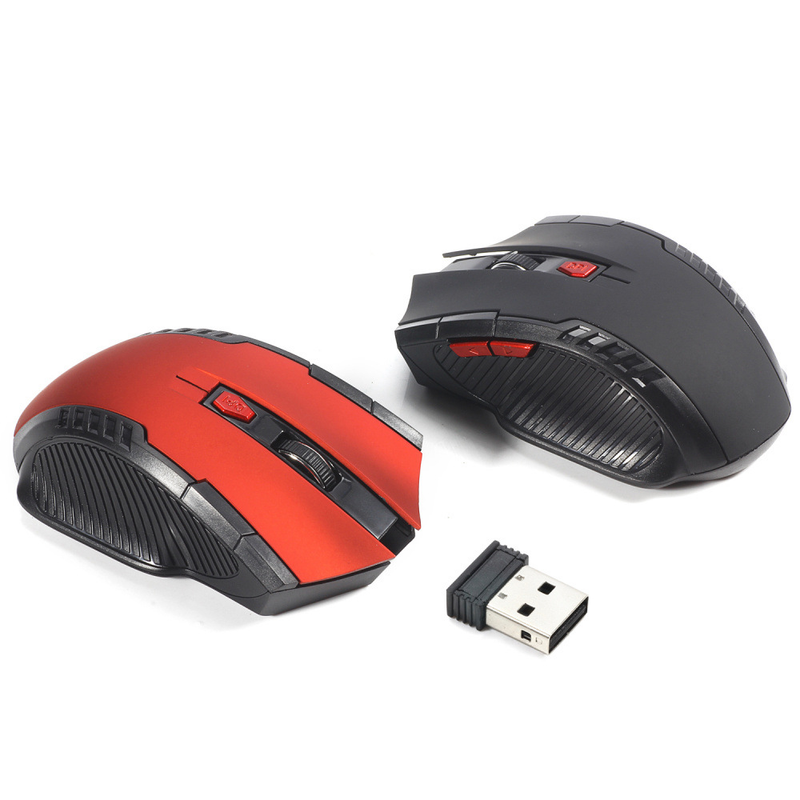
Color: Black, Red
Power Supply: 2 x AAA Battery (Not included)
Mouse type: Wireless Optical Mouse
Interface: USB
Size: 10.3 * 6.4 * 3.8cm
Net weight: 64g
Package size: 10.5 * 8.5 * 4.7cm
Gross weight: 94 g
Package include:
1 x 2.4GHz Wireless Portable Optical Mouse (Battery not included)
1 x USB receiver
System Requirements:
Windows 98/Me/2000/XP/Vista/Win7/Win8/Win10/Win11 or latest
Three level power saving mode:
1: Three seconds into the first sleep light f
Lashing continuously
2: 1 minute or so to enter the secondary sleep, intermittent flashing lights
3: 8 minutes or so, go to level 3 sleep, the light goes out
How to use:
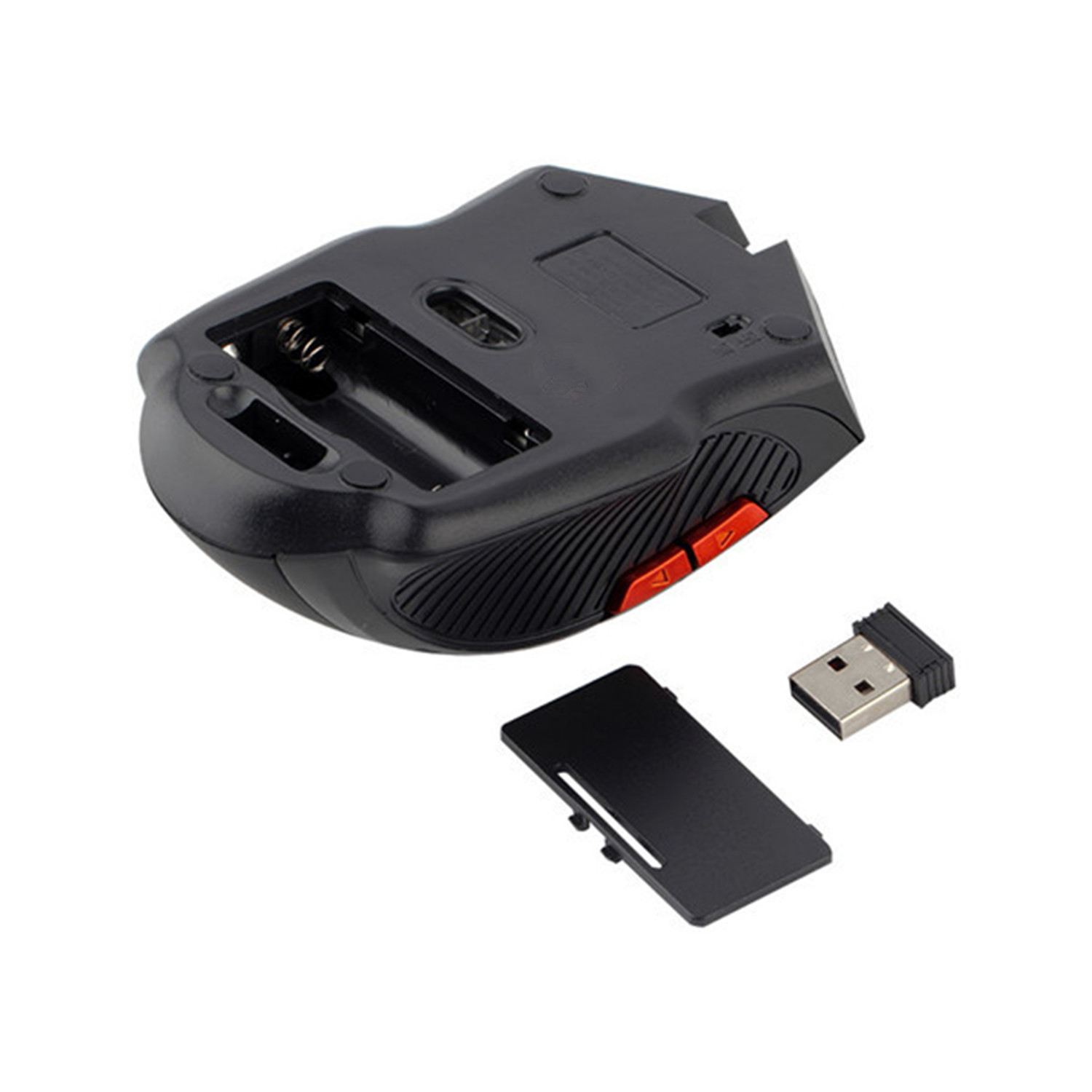
1: First open the back cover of the mouse, take out the USB receiver, and insert it into the USB port of the computer
2: Then install the AAA battery, turn on the power switch, and it can be used
3: Note: This mouse needs 2 * AAA battery (AAA batteries not included)


Videoer
Videos for this product

 4.4 av 5 basert på 7,646 anmeldelser