



Full View
Lignende varer
3 Modes Bluetooth Gaming Rechargeable 2.4G USB Wireless RGB Backlight Mouse For IPad Tablet Laptop Computer
NOK390.88NOK501.23
Farge : HVIT


Mengde :

Rapportere
Inkluder brudd på opphavsrettGratis standard frakt. Se detaljer
Anslått mellom Wed, Jun 17 og Mon, Jun 22
Du kan returnere produktet innen 30 dager etter mottak. Se detaljer
Handle med selvtillit

Pengene tilbake-garanti
Få varen du har bestilt eller pengene tilbake. Lær mer
About this item
Hentet fra NovaTech Store
Seller assumes all responsibility for this listing.Artikkelnummer: 37876368
Item specifics
Størrelse
Kompakt
Nøkkeltype
Optical Switches
Brytertype
Speed, Linear, Tactile
Kompatibilitet
Windows, Android, macOS
Connected devices
1
Illuminated Keys
Nei
Tilkobling
Bluetooth, Logi Bolt USB
USB Type
USB-A
Logi Options
Nei
Item description from the seller
Technical Parameters:
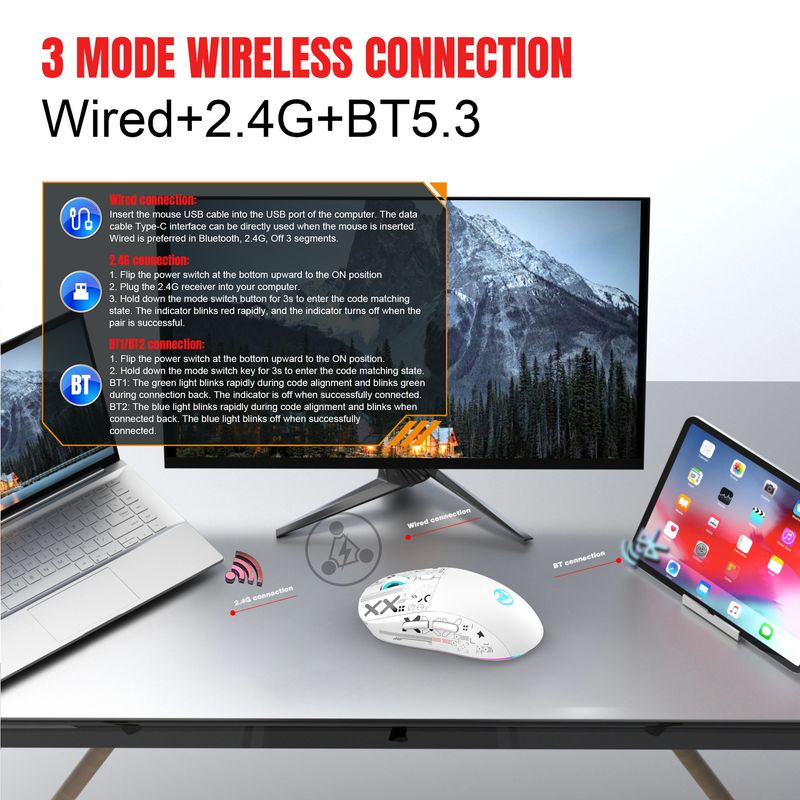
1. 3 Modes: Wired+2.4 G wireless+BT5.3
2. Rechargeable:650mAh built-in rechargeable battery
3. Accurate tracking: professional IC positioning accuracy
4. 10M wireless receiving distance
5. Five-Movement Speed adjustment design
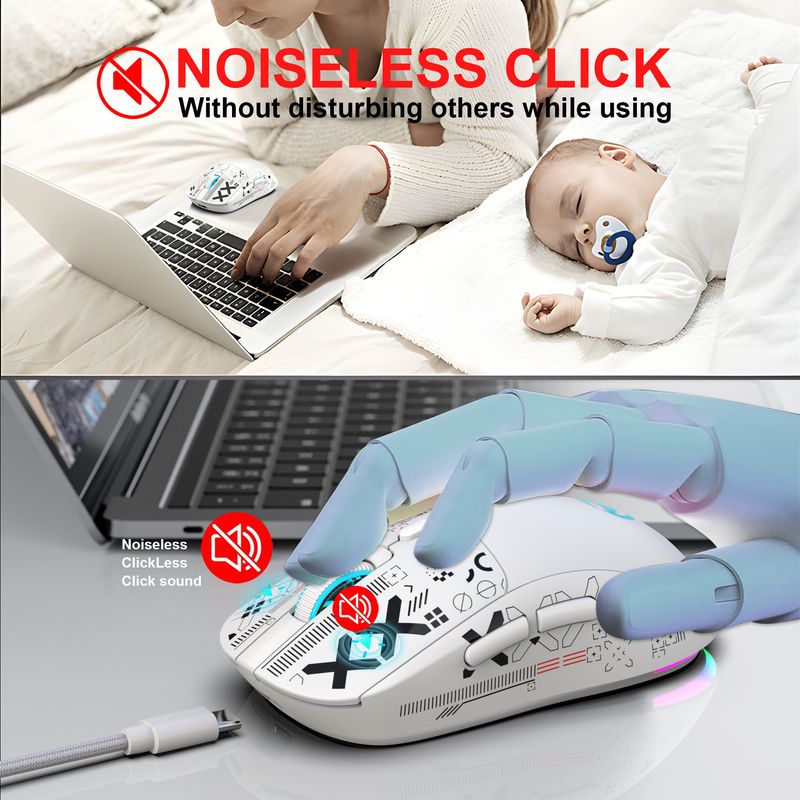
6. 10 million times sound switch design
7.Light mode: RGB marquee effect, Up to 6 lighting pattern designs,The light can be turned off.
Product Parameters:
Brand/Model: HXSJ/T90
Product Name: Three Mode Wireless Charging Mouse
SENSOR:FR2012+3212
Default return rate:
BT mode:125HZ
2.4G mode:250HZ
Wired mode:1000HZ
Movement speed: 30IPS
Refresh rate: 4800FPS
Acceleration: 10G
Operation Mode: Opto-electronic
Type:Wired/2.4 GHz/BT5.3
Wire length:1.8M(Wear resistant woven data cable)
Power Type : Rechargeable
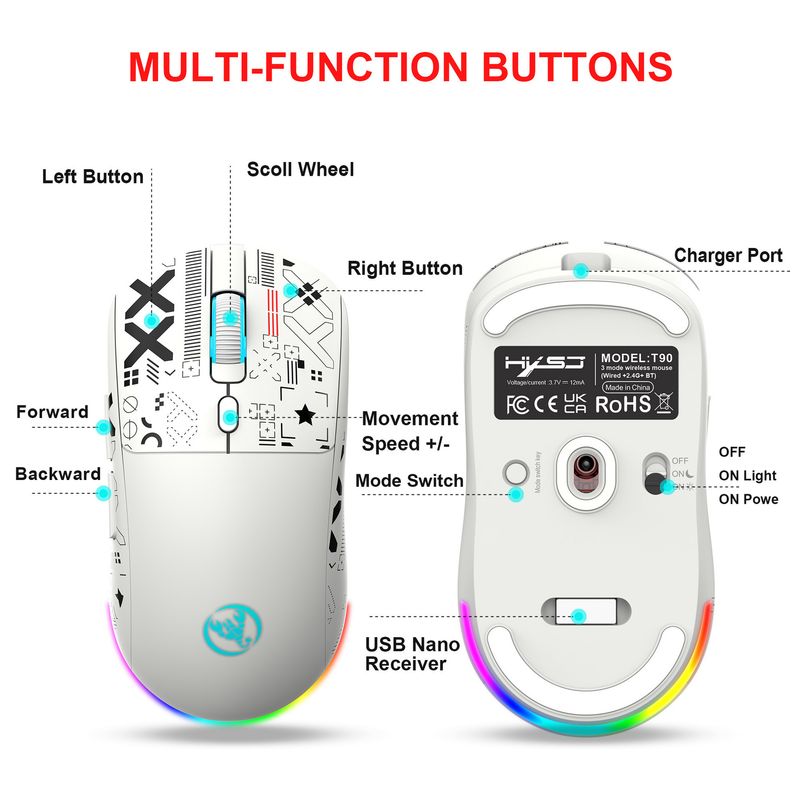
Number of keys : 6 keys
Key life : 10 million switches(Mute Switch)
Light type : 6 RGB lighting modes
Wireless distance : 10m
Battery capacity : 650mAh
Movement Speed: 800-1200-1600-2400-3600
Rated voltage / current : 3.7V / 12mA
Product weight : 86g
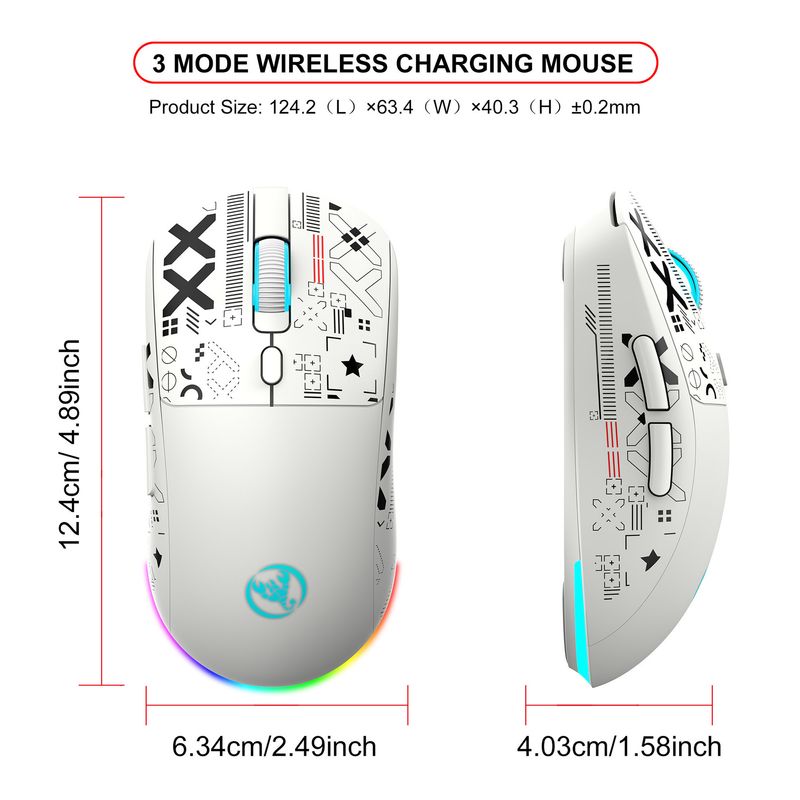
Product size : 12.5 * 6.3 *4.1cm
Package weight :147 g
Package size : 13.5*8.5*4.7 cm
Package includes :
1 x Three Mode Mouse
1 x USB Receiver
1 x Type-C charge cable(180cm)
1 x Instruction manual
Applicable system:
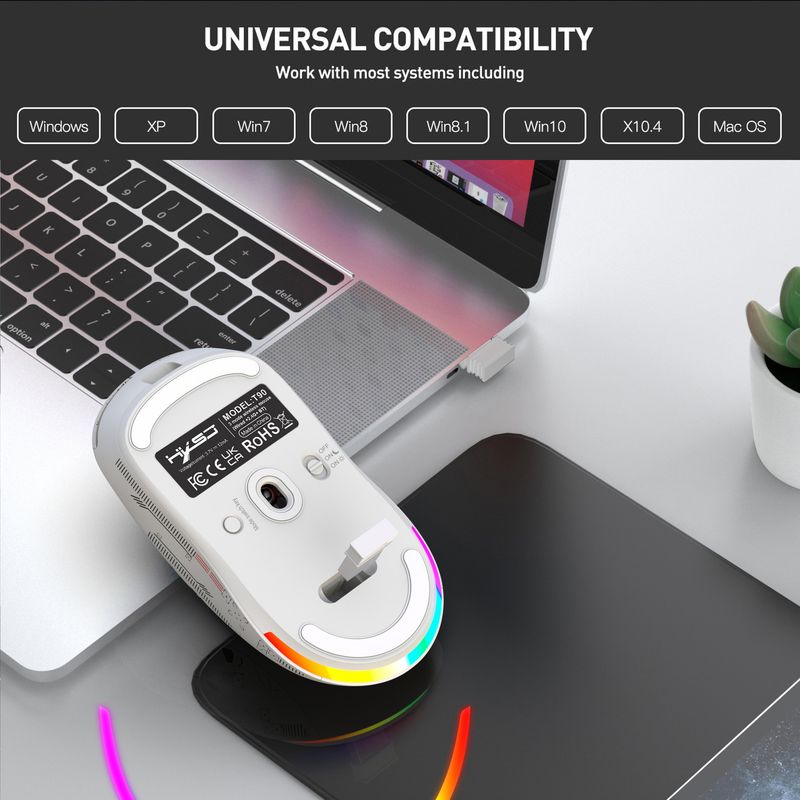
Windows ( windows XP / Vista / 7 / 8 / Server 2003 / 2000 / Win10 ,etc) Android (Android4.3 above)Mac OS (mac OS 10.10 above is recommended).
Applicable equipment:
Suitable for desktop computers, notebook computers, smart TV with USB in terface, etc.
How to use:
Wired connection:
Insert the mouse USB cable into the USB port of the computer.
The data cable Type-C interface can be directly used when the
mouse is inserted.
2.4G connection:
1. Move the power switch at the bottom down to the ON position.
2. Press and hold the mode switch button for 3 seconds to enter, and the indicator light at the scroll wheel will quickly flash red.
3. Then insert the 2.4G USB receiver into the computer, the red indicator light will turn off, and it can be used normally.
BT1/BT2 connection:
1. Flip the power switch at the bottom upward to the ON position.
2. Hold down the mode switch key for 3s to enter the code matching
state.
BT1: The green light blinks rapidly during code alignment and blinks
green during connection back. The indicator is off when
successfully connected.
BT2: The blue light blinks rapidly during code alignment and blinks
when connected back. The blue light blinks off when successfully
connected.






 4.4 av 5 basert på 9,249 anmeldelser